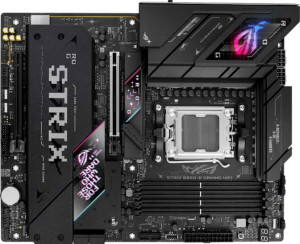
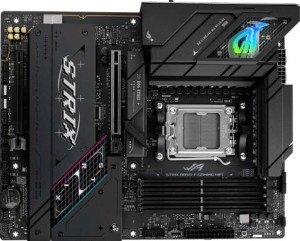
The ports section is where these two boards finally diverge in a meaningful way, and the gap is significant. The B850-E is the clear frontrunner here, led by its inclusion of a USB4 40Gbps port and a Thunderbolt 4 port — both absent on the B850-F. Thunderbolt 4 in particular is a premium feature at this price tier, enabling daisy-chaining of devices, connection to external GPU enclosures, and ultra-fast storage transfers at up to 40Gbps with guaranteed protocol compatibility. For power users who work with high-bandwidth peripherals or external displays, this single difference can be a decisive factor.
The high-speed USB-A situation also favors the B850-E, which offers 6 USB 3.2 Gen 2 (10Gbps) Type-A ports compared to the B850-F's more modest 2 Gen 2 and 4 Gen 1 (5Gbps) split. Having more Gen 2 ports means faster transfer speeds to a wider range of simultaneously connected devices — useful for anyone with multiple SSDs, fast flash drives, or high-speed hubs. The B850-F partially compensates with a USB 3.2 Gen 2 Type-C rear port that the B850-E lacks, offering a modern connector option for compatible devices, but this is a modest trade-off against what the B850-E brings to the table.
Both boards share the same baseline: 4 USB 2.0 ports, one Gen 2x2 port, HDMI, DisplayPort, and a single RJ45. But stripped of those commonalities, the B850-E holds a clear advantage in rear I/O quality and versatility. Users who prioritize high-speed connectivity and Thunderbolt 4 compatibility should lean toward the B850-E; the B850-F is adequate but plays in a lower tier on this front.