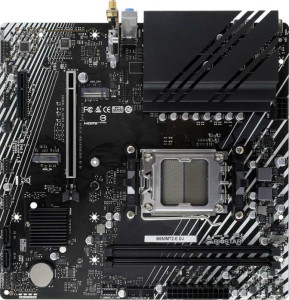
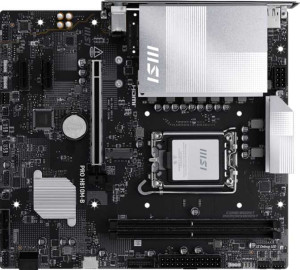
The most fundamental divide between these two boards is platform: the Biostar B850MT2-E DJ targets AMD AM5 processors, while the MSI Pro H810M-B is built for Intel LGA 1851. This alone makes them non-interchangeable — your CPU choice determines which board is even relevant to you. Beyond the socket, both share the Micro-ATX form factor and HDMI 2.1 output, and neither includes an integrated CPU or integrated graphics, meaning a discrete GPU or a processor with its own graphics is required in both builds. The identical 3-year warranty puts them on equal footing for long-term coverage.
Where they diverge meaningfully in day-to-day use is feature philosophy. The MSI adds built-in Wi-Fi, which is a practical advantage in systems where running an Ethernet cable is inconvenient — the Biostar forces you to either wire up or purchase a separate adapter. The MSI also includes dual BIOS, a useful safety net that lets the board recover automatically from a failed firmware flash. The Biostar counters with an easy BIOS reset mechanism — simpler for most users who just need a quick recovery option — and is flagged as easy to overclock, making it more appealing to users who want to push an AM5 chip beyond stock settings. The MSI explicitly does not support easy overclocking, which aligns with Intel's more locked-down H-series chipset positioning.
On balance, neither board is outright superior for every buyer. The MSI Pro H810M-B has an edge in convenience features — Wi-Fi connectivity and dual BIOS recovery — plus RGB lighting for aesthetics. The Biostar B850MT2-E DJ holds the advantage for enthusiasts who prioritize overclocking headroom and straightforward BIOS management. The right choice ultimately hinges on your CPU platform first, then on whether wireless connectivity or tuning flexibility matters more to your build.