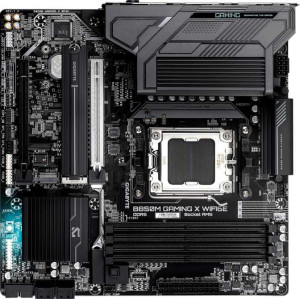
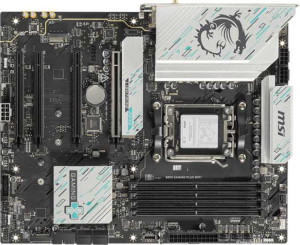
Display output is where these two boards diverge most sharply. The Gigabyte offers both an HDMI port and two DisplayPort outputs, giving it three simultaneous display connections — a meaningful advantage for multi-monitor setups or users who need flexible display compatibility across TVs, monitors, and projectors. The MSI, by contrast, provides only a single DisplayPort and no HDMI at all, which is a notable limitation if you intend to drive multiple displays directly from the motherboard's integrated graphics path or need broad device compatibility out of the box.
On the USB front, the trade-off is more nuanced. The MSI counters with two USB 3.2 Gen 2 Type-C ports on the rear panel versus the Gigabyte's one, making it better suited for users with modern peripherals, fast external SSDs, or devices that demand high-bandwidth USB-C connectivity. The Gigabyte, meanwhile, holds one extra USB-A Gen 1 port — a minor convenience for legacy devices. Both share identical USB 2.0 and top-tier USB counts, and neither offers USB 4 or Thunderbolt, so those higher-end tiers are off the table for both.
The verdict here depends on use case, but there is a clear functional split: the Gigabyte B850M Gaming X WiFi6E has a decisive advantage in display connectivity, while the MSI B850 Gaming Plus WiFi better serves users who prioritize modern, high-speed USB-C peripheral support. For most desktop builds where display output variety matters, the Gigabyte's three-output setup is the stronger offering.