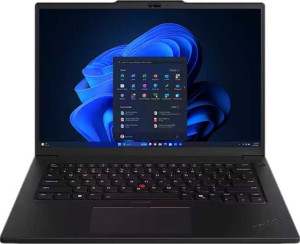
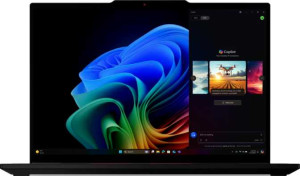
The PassMark results put concrete numbers behind the architectural trade-offs seen in the specs. The P14s Gen 5 scores 24,879 in the multi-core benchmark versus 20,232 for the T14s Gen 6 — a lead of roughly 23%. This directly reflects the P14s Gen 5's higher thread count, confirming that its advantage in parallelized workloads is not just theoretical. For tasks that scale across cores — video transcoding, large dataset processing, or running multiple demanding applications simultaneously — the P14s Gen 5 delivers meaningfully more throughput in practice.
Flip to single-core performance, however, and the result reverses. The T14s Gen 6 scores 4,212 versus 3,468 for the P14s Gen 5 — about a 21% lead for the T14s Gen 6. Single-core performance governs the vast majority of everyday computing interactions: launching applications, browser responsiveness, loading files, and executing tasks that cannot be split across multiple cores. By this measure, the T14s Gen 6 will feel snappier and more immediate in day-to-day use despite its lower total core count.
Taken together, these benchmarks present a clean split: the P14s Gen 5 wins on multi-core throughput, making it the stronger machine for compute-intensive professional workloads, while the T14s Gen 6 wins on single-core speed, giving it an edge in general responsiveness for mainstream productivity use. The right choice depends entirely on whether a user's workload is better served by raw parallel compute power or by fast, efficient single-threaded execution.