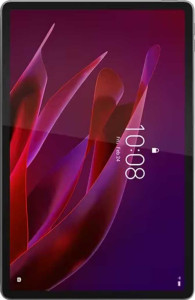
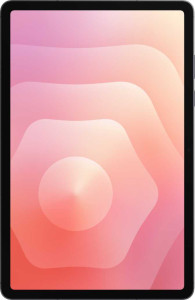
Wireless connectivity splits interestingly between these two tablets. The Lenovo Yoga Tab supports Wi-Fi 7 (802.11be), the latest generation, enabling theoretical peak throughput up to 10,000 Mbits/s on compatible routers — well ahead of the Galaxy Tab S11's Wi-Fi 6E ceiling of 7,300 Mbits/s. For users on cutting-edge home or office networks, the Yoga Tab is positioned to extract more speed and handle congested environments more efficiently. That said, the Galaxy Tab S11 counters with a cellular module and 5G support, which the Yoga Tab lacks entirely — meaning Samsung's tablet can connect anywhere without relying on Wi-Fi, a fundamental mobility advantage for users who travel or work away from fixed networks.
Location and security features also diverge sharply. The Samsung Galaxy Tab S11 includes GPS, a compass, and Galileo satellite support, making it a fully capable navigation device. The Yoga Tab tracks position but has no GPS or compass — limiting its usefulness for mapping and location-aware apps. On the security front, Samsung adds a fingerprint scanner, providing a fast and convenient biometric unlock option that the Yoga Tab simply does not offer. Both share identical Bluetooth 5.4, USB 3.2, and an extensive and evenly matched set of software privacy and productivity features.
The verdict depends entirely on use case. For a tablet that stays mostly at home or on a desk with fast Wi-Fi, the Yoga Tab's Wi-Fi 7 support gives it a meaningful network edge. But for anyone who needs untethered connectivity on the go, reliable navigation, or biometric security, the Samsung Galaxy Tab S11 holds a clear and broader advantage — its cellular, GPS, and fingerprint capabilities address real mobility needs that the Yoga Tab cannot match.