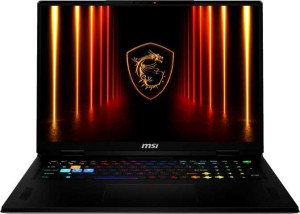
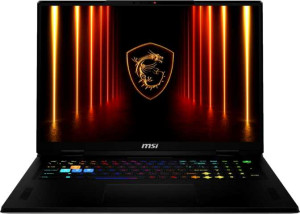
Digging into the GPU internals confirms the performance gap established in earlier spec groups. The Vector 18 HX AI A2XW carries 10,496 shading units, 328 TMUs, and 128 ROPs, compared to 7,680, 256, and 96 respectively on the Vector A18 HX A9W. These are the fundamental building blocks of GPU throughput — more of each means more geometry processed, more textures sampled, and more pixels pushed per clock cycle. Both GPUs share the same Blackwell architecture, 256-bit memory bus, and identical memory bandwidth of 811.5 GB/s, confirming they are variants within the same GPU family rather than fundamentally different designs. The A2XW simply has more of the silicon enabled.
The CPU side surfaces some interesting trade-offs. The A2XW features an unlocked multiplier and uses big.LITTLE hybrid core technology, giving enthusiasts overclocking headroom and the scheduler efficiency benefits of mixed core types. Its 95W TDP versus the A9W's 80W reflects this — the A2XW is tuned to run hotter and harder. The A9W counters with a substantially larger 64MB L3 cache (versus 36MB), which can meaningfully reduce memory latency in cache-sensitive workloads, though it loses the L2 comparison at just 16MB against the A2XW's 40MB.
The Vector 18 HX AI A2XW holds the stronger overall position in this category. Its GPU silicon advantage is decisive, its higher TDP headroom supports sustained performance, and the unlocked multiplier adds flexibility absent on the A9W. The A9W's larger L3 cache is a genuine asset in specific scenarios, but it does not offset the breadth of the A2XW's advantages here.