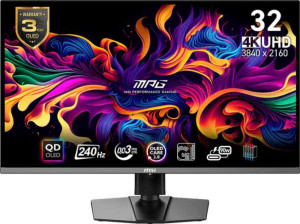
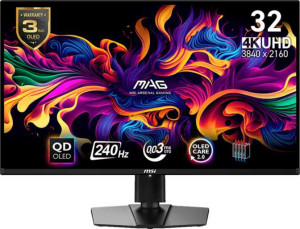
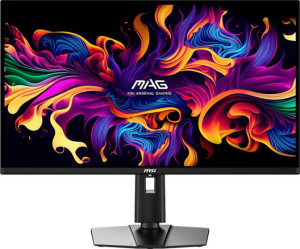
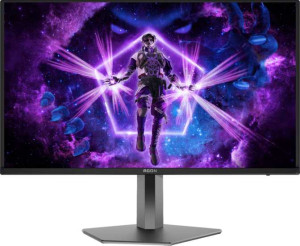
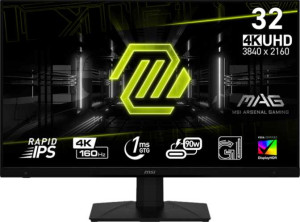
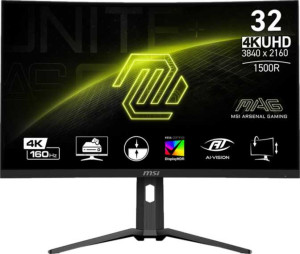
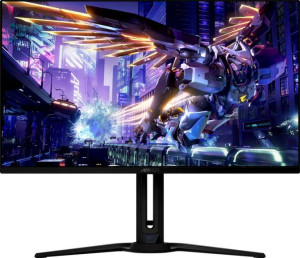
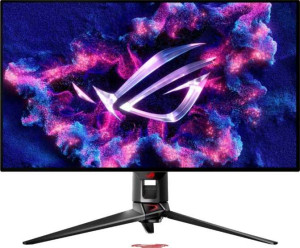
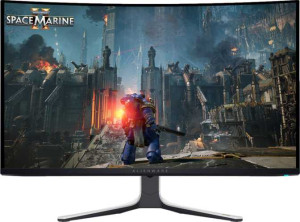
The MSI MPG 321URX uses a QD-OLED panel spanning 31.5 inches, with a resolution of 3840 x 2160 pixels at 139 ppi. It runs at a 240Hz refresh rate with an exceptionally low 0.03ms response time, and supports VESA Adaptive Sync for variable refresh rate operation. Horizontal and vertical viewing angles both reach 178°, and an anti-glare coating is applied to the screen surface. The panel is not classified as matte or glossy, and touch input is not supported.
The MSI MPG 321URX is a gaming monitor measuring 718 × 418 × 69 mm and weighing 9,600 g. The stand supports both tilt and swivel adjustment, and VESA mounting is available for users who prefer a wall mount or third-party arm. Portrait mode is not supported. The monitor carries an EU energy label of G, placing it at the lower end of the energy efficiency rating scale.
The panel renders up to 1,070 million colors at a 10-bit color depth and achieves a contrast ratio of 150,000:1, which reflects the self-emissive nature of the OLED technology used. Color space coverage is broad, reaching 97% of Adobe RGB and 138% of sRGB. Typical brightness is rated at 250 nits. Color calibration is not supported, meaning no factory calibration profile is provided with the monitor.
The MSI MPG 321URX offers two HDMI 2.1 ports and one DisplayPort 1.4 output for video input, alongside four USB ports, a USB Type-C connection, and a 3.5mm audio jack. DVI, VGA, mini DisplayPort, and Thunderbolt are all absent. Networking options are not available — neither Ethernet nor Wi-Fi is supported, and AirPlay is not included.
The MSI MPG 321URX does not include built-in speakers, so an external audio solution is required for sound output. There is no PiP functionality, remote control, front camera, or ambient light sensor. Audio enhancement formats — including Dolby Digital, Dolby Digital Plus, and DTS Surround — are not supported, and smart TV functionality is absent, meaning the monitor operates purely as a display output device.
The stand supports a height adjustment range of 11 cm, allowing users to set the screen at a comfortable viewing level within that range.